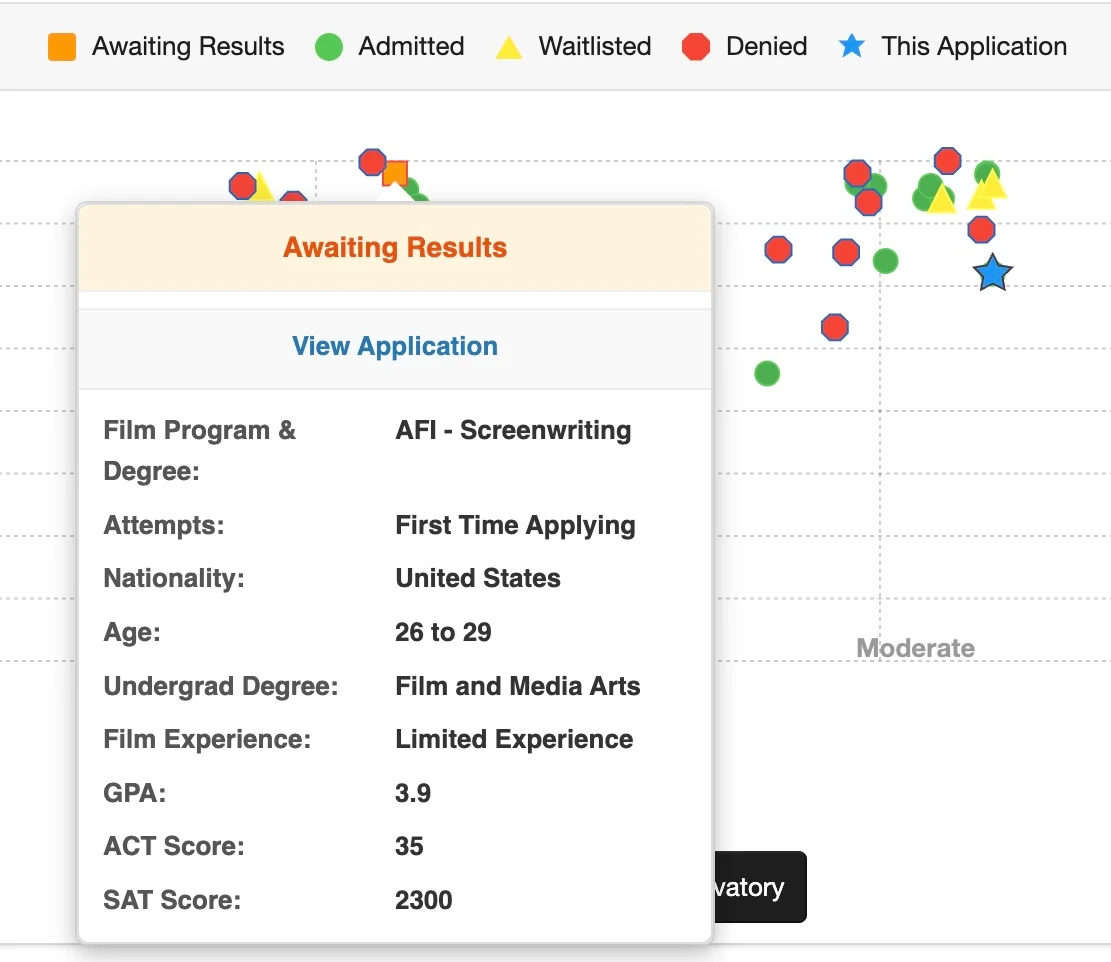
We're rolling out a new feature today where members can create a Private Group Thread to stay in touch and get to meet their potential classmates in the new Private Group Threads forum.
It works similar to GroupMe where ONLY people you invite can see the threads. Also if you have push notifications set up on your phone it'll work even better.
Here's the complete guide:
View article 197
Here is the forum where one can create Private Group Threads:
 www.filmschool.org
1. At the bottom select the option for "Make this a private thread"
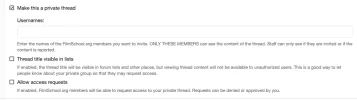
2. You can also choose as to whether the thread title is visible to others so they can find it and whether you'll allow access requests.
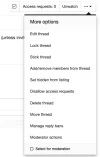
3. If you forgot to add people and want to add them later then use the "Add/Remove" members link in the three button pulldown menu:
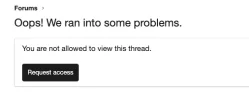
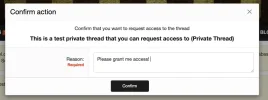
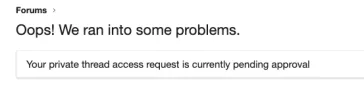
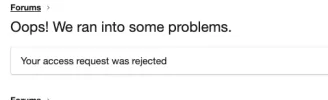
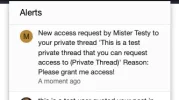
4. If you allowed access requests, users can request access:
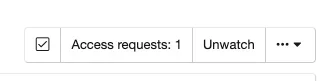
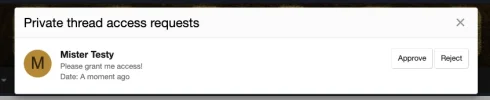
5. To approve access requests use the Access Requests button.
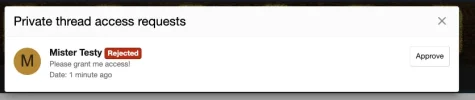
5. You can approve or disapprove requests:
You can remove people at any time using the pulldown menu.
If you have any questions on how to use this feature please let me know.
It works similar to GroupMe where ONLY people you invite can see the threads. Also if you have push notifications set up on your phone it'll work even better.
Here's the complete guide:
View article 197
Here is the forum where one can create Private Group Threads:
Admitted Applicant Private Group Threads
Create private group threads to meet your fellow future classmates, form a screenwriting group, or anything else. It works similar to GroupMe and only invited members can see the thread or get notified about the thread.
www.filmschool.org
1. At the bottom select the option for "Make this a private thread"
2. You can also choose as to whether the thread title is visible to others so they can find it and whether you'll allow access requests.
3. If you forgot to add people and want to add them later then use the "Add/Remove" members link in the three button pulldown menu:
4. If you allowed access requests, users can request access:
5. To approve access requests use the Access Requests button.
5. You can approve or disapprove requests:
You can remove people at any time using the pulldown menu.
If you have any questions on how to use this feature please let me know.
Last edited: